Data API
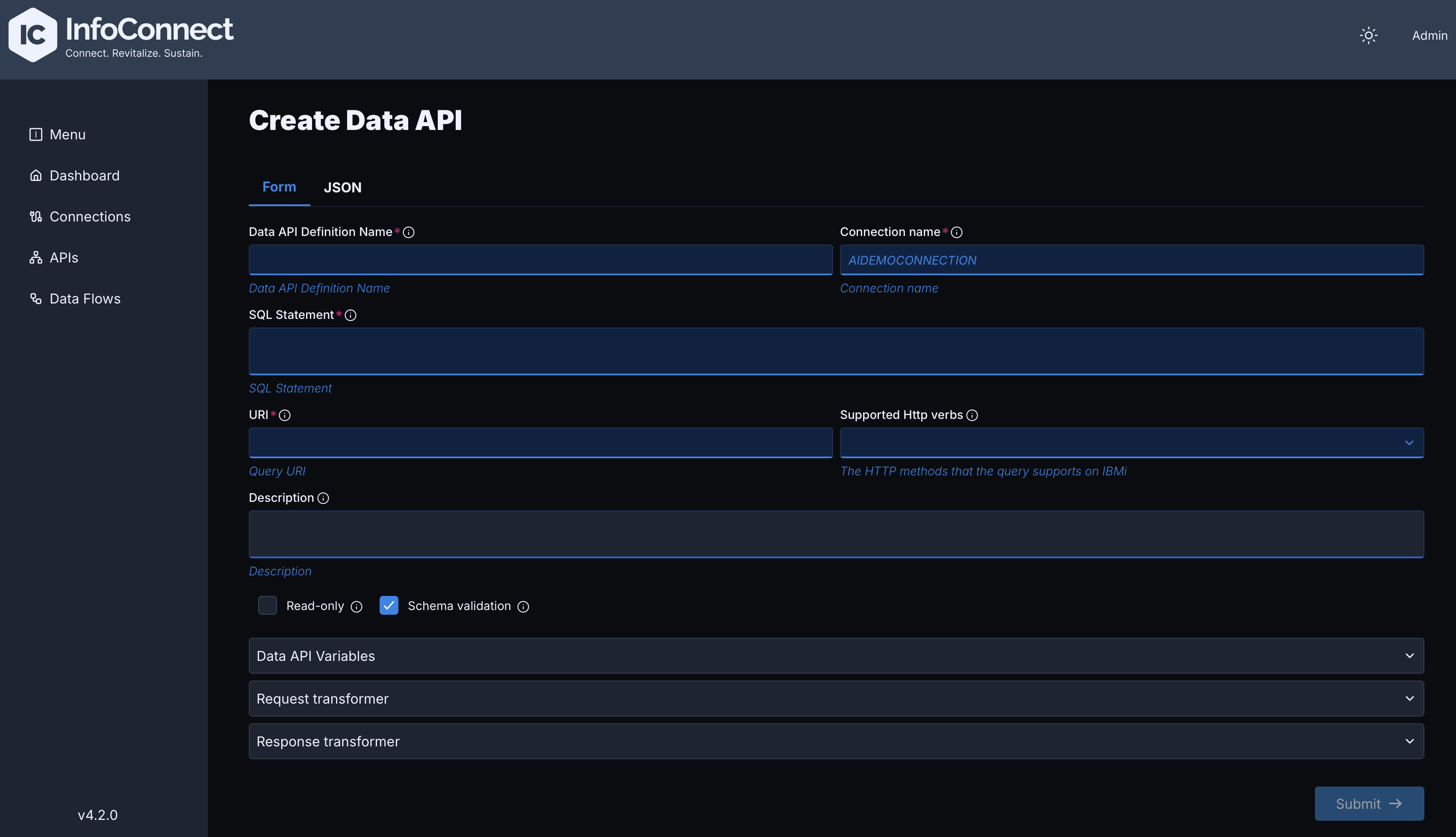
A Data API gives REST access to IBM i database tables without a custom IBM i program. It requires a Native Connection. For SQL rules and examples, see Data API Configuration Guide. The form has the following sections:
| Section | Content |
|---|---|
| Main fields (no section title) | Data API Definition Name, Connection name (the Native Connection to use), URI, Description, Read-only, Schema validation and Supported Http verbs (GET, POST, PUT, PATCH, DELETE) |
| SQL Statement | The SQL statement to execute. It can contain variables of the form :<variableName>, which the Hub replaces with the input values of the call. To call a stored procedure, use CALL SCHEMA.PROC_NAME(:<param>) |
| Data API Variables | Variables with Variable name, Data type, Length, Usage, Source Field Name and Description |
| Request transformer, Response transformer | Optional. Transform the incoming request or the outgoing response with JSONata scripts |
IN and INOUT variables must correspond to the input parameters of the SQL statement. Source Field Name is not required for OUT variables, because the stored procedure returns their value.
Sample JSON configuration for a Data API
{
   "dataApiDefinitionName": "insertDataApi",
   "dataApiDescription": "Insert record into TEST_DATA_API",
   "sqlStatement": "INSERT INTO SOME_TABLE.TEST_DATA_API (STATUS, EVENT_NAME) VALUES (:<status>, :<event_name>)",
   "uri": "/api/data-api",
   "connectionName": "NATIVE",
   "supportedHttpVerbs": ["GET", "POST"],
   "readOnly": false,
   "dataApiVariables": {
      "variables": [
         {
            "variableName": "status",
            "sourceFieldName":"$['status']",
            "dataType": "STRING",
            "length": 10,
            "usage": "IN"
         },
         {
            "variableName": "event_name",
            "sourceFieldName": "$['event_name']",
            "dataType": "STRING",
            "length": 100,
            "usage": "IN"
         }
      ]
   }
}
You can also create a Data API with the Admin API, see API Reference.